Start here
Install, connect your emulator and set up your first service.
LEARN AT YOUR OWN PACE
From your first service to multiple accounts. Find the exact step, see how it works, and keep moving.
Start from scratchExplore the guides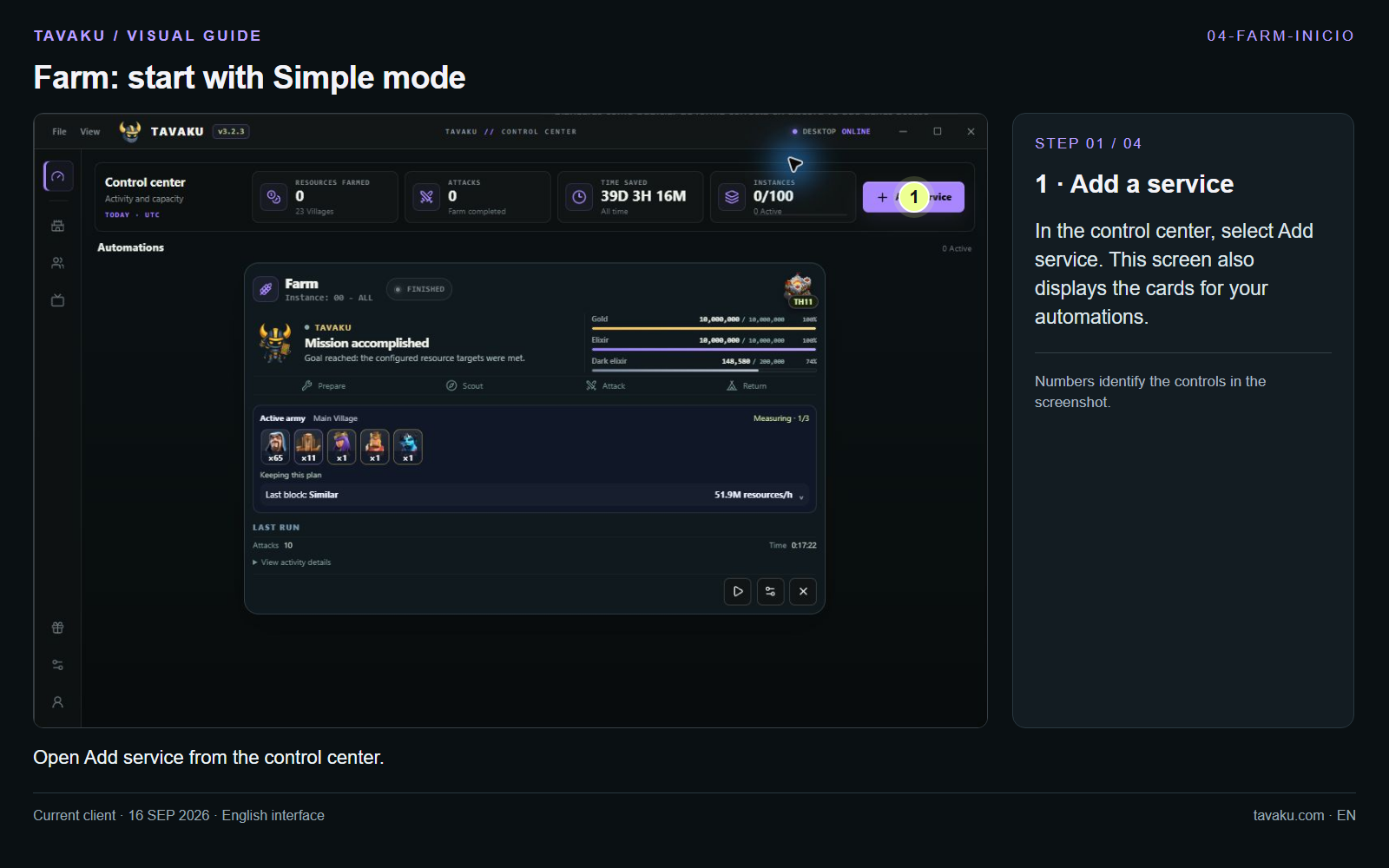 Set up your first Farm
Install, connect your emulator and set up your first service.
Understand the difference and choose how to run your villages.
Check connections, statuses and your service settings.
A GUIDE FOR EVERY STEP
37 guides available
Start at tavaku.com. These guides document the local client as of 16 September 2026; some changes are not yet in the public download.
Getting startedUse Available emulators to detect instances and check their status before configuring a service.
Getting startedThis is where you view configured services, results and each service card’s controls.
Home VillagePrepare a Farm service in the current client. You need a connected emulator with Clash of Clans and your account open.
Home VillageLoot targets filter opponent villages. This guide includes the local client’s new minimum dark elixir setting.
Home VillageUpgrade walls combines resource farming with upgrading available walls.
Home VillageConfigure Home Village upgrades and choose how much control you want over priorities and resources.
Home VillageThese options are in Upgrade buildings → Goals. You can enable each area Tavaku should manage separately.
Home VillageDonation keeps an account ready to handle clan requests.
Home VillageConfigure a continuous sequence of attacks and monitor the service from the control center.
Home VillageLeague attacks completes the selected account’s available league attacks.
Home VillageConfigure challenge selection and review options that may consume resources.
Home VillageExplicitly choose whether the account should join a clan, request troops, stay or leave.
Builder BaseObtains resources through Builder Base attacks.
Builder BaseObtains resources and upgrades available Builder Base walls.
Builder BaseObtains resources and manages Builder Base building upgrades.
Builder BaseConfigure troops, reinforcements and hero in a BUILDER service’s advanced settings.
CapitalPrepare Capital raids with the correct account, army and rotation options.
Accounts & setupDistinguish an emulator instance from the Android profiles stored inside it.
Accounts & setupSetup groups the game window, auxiliary options and rest cycles.
Accounts & setupAttack rules control when a battle ends; they are separate from minimum loot search targets.
Accounts & setupService profiles store reusable options. They are different from Android accounts.
Accounts & setupOpen Army Studio from WebApp remote tools with the desktop client connected.
Accounts & setupA plan adds order, pauses and positions to an Army Studio composition.
Your accountReview what Tavaku has observed and distinguish automation results from upgrade progress.
Accounts & setupConfigure client preferences and find account and help shortcuts.
Accounts & setupUse app.tavaku.com to view and control a connected Tavaku client.
Your accountView your plan capacity and account controls from Profile.
Your accountLinking uses a private code generated by the Tavaku bot.
Your accountAmbassador center brings together your invitation link, rules and redemption options.
TroubleshootingUse these checks to distinguish emulator, configuration and remote connection issues.
Getting startedReference for the official macOS download page. Client screenshots in the other guides were captured on Windows.
Accounts & setupDistinguish the service’s Simple mode from the deployment editor’s Simple and Advanced controls.
Accounts & setupAn account is a game village or profile. An instance is a separate Android emulator. You can combine both ways of working.
Accounts & setupExample: prepare two emulators to work with two different accounts at the same time.
Accounts & setupExample: prepare accounts A, B and C inside one instance and enable rotation.
Accounts & setupAdvanced Upgrade buildings options with Multi account enabled. Other services may show different options.
Every guide and step has its own link. Save it or share it whenever you need it.