Home Village · 05
Farm: loot and minimum dark elixir
Loot targets filter opponent villages. This guide includes the local client’s new minimum dark elixir setting.
Annotated screenshot walkthrough. Every step is also written below. Download captions
Reference: client 3.2.3 with local changes · Sep 16, 2026. Some options may not be in the public download yet. Captured interface is in English.
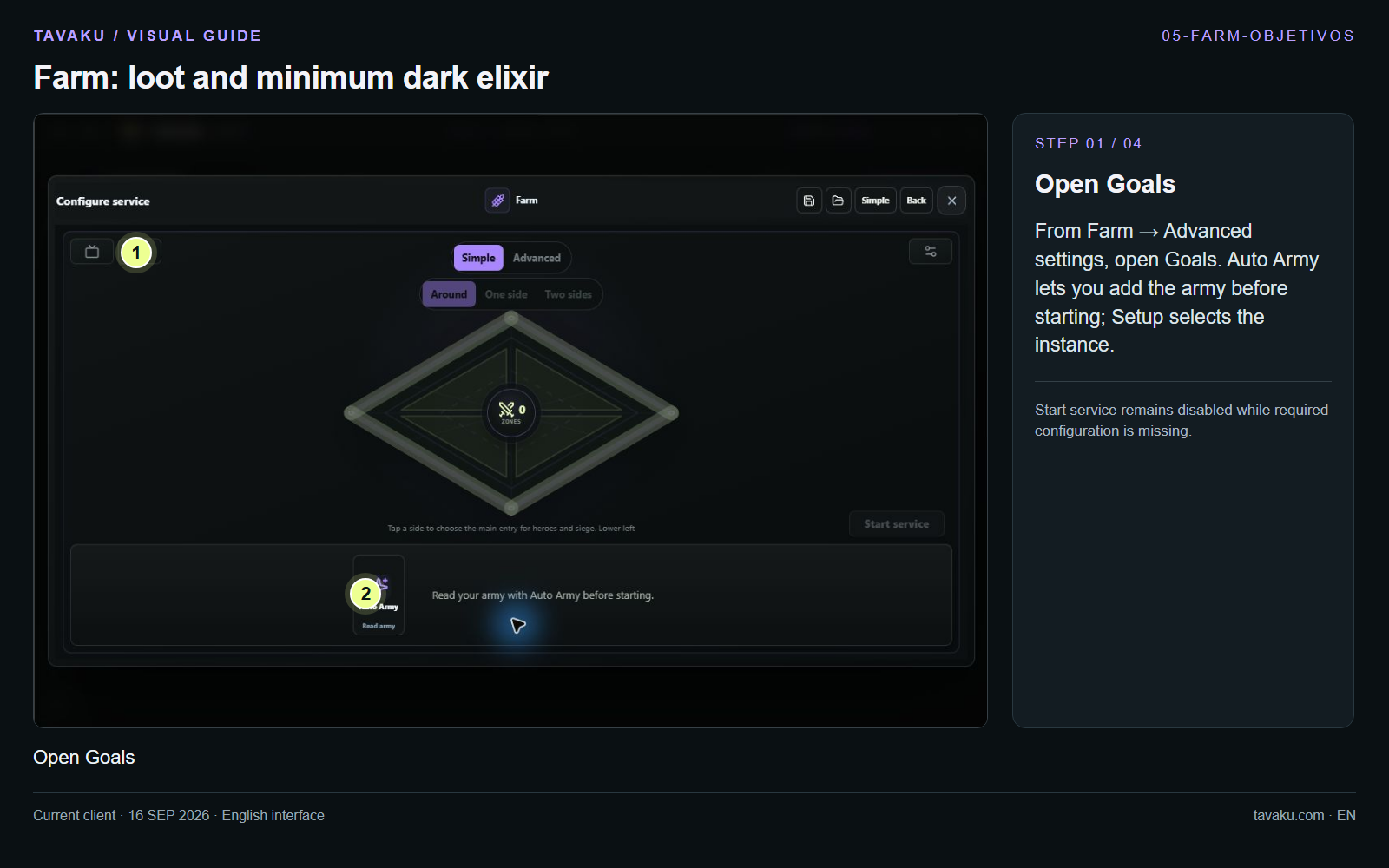
From Farm → Advanced settings, open Goals. Auto Army lets you add the army before starting; Setup selects the instance.
Start service remains disabled while required configuration is missing.
 Enlarge image ↗
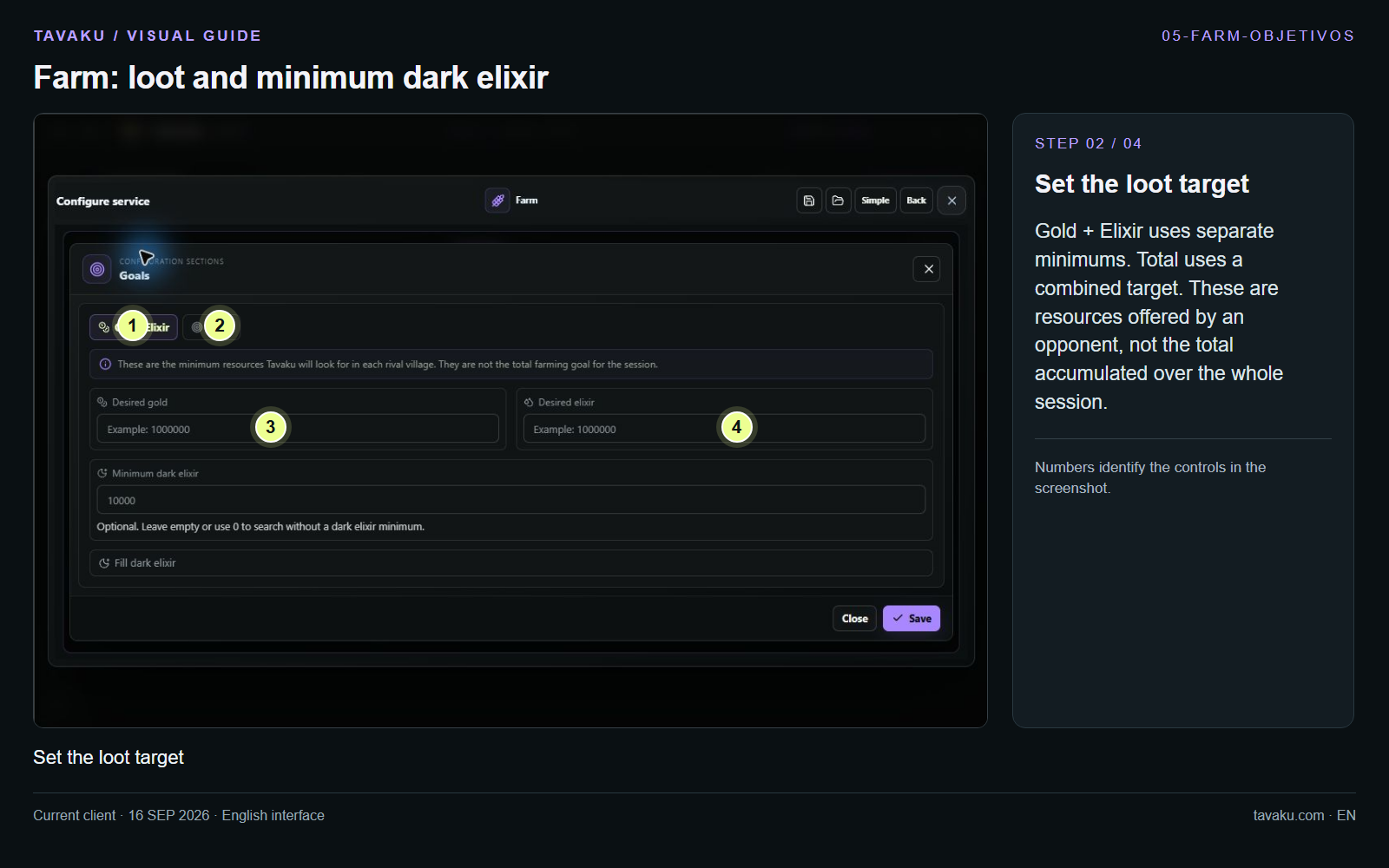
Gold + Elixir uses separate minimums. Total uses a combined target. These are resources offered by an opponent, not the total accumulated over the whole session.
 Enlarge image ↗
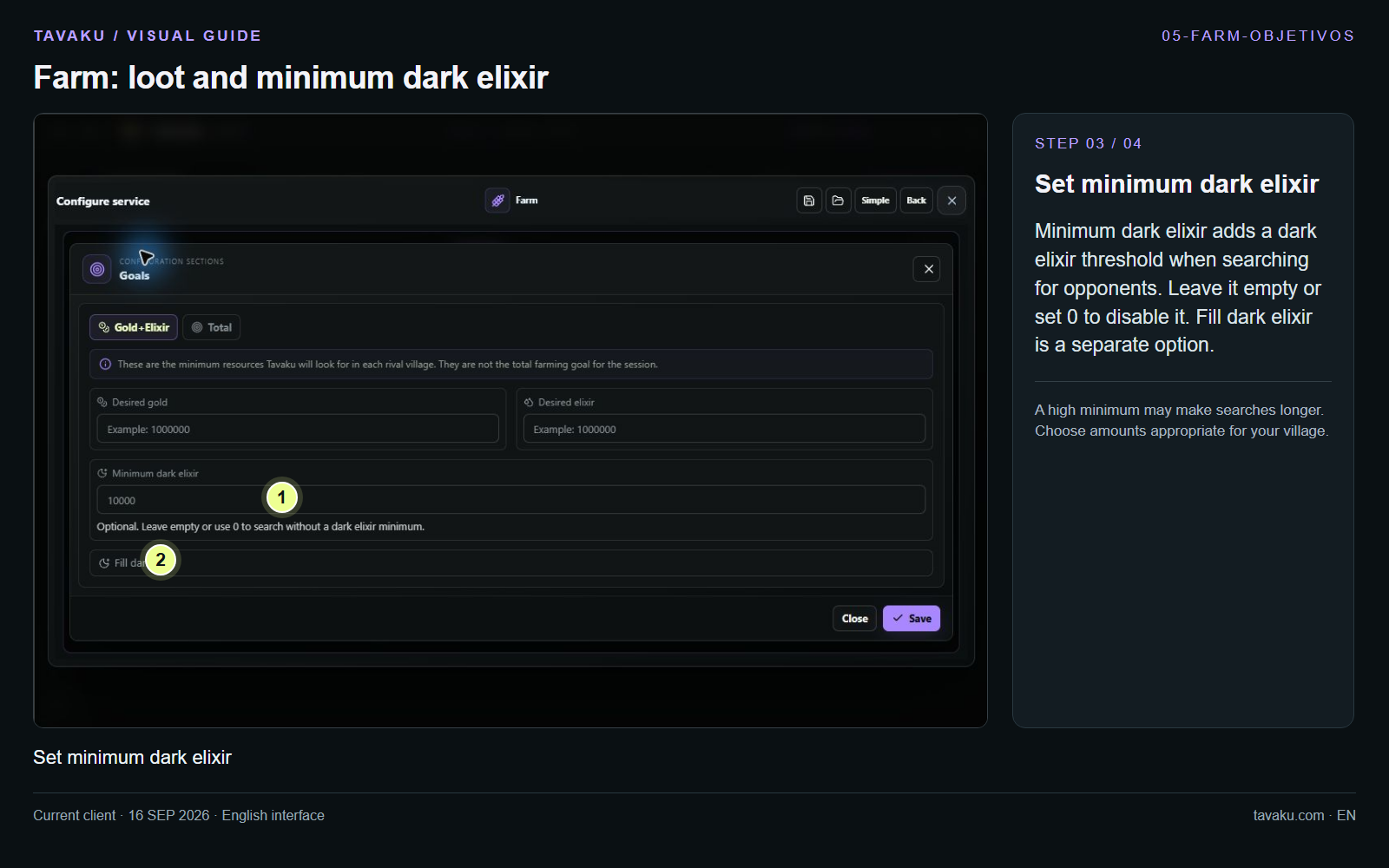
Minimum dark elixir adds a dark elixir threshold when searching for opponents. Leave it empty or set 0 to disable it. Fill dark elixir is a separate option.
A high minimum may make searches longer. Choose amounts appropriate for your village.
 Enlarge image ↗
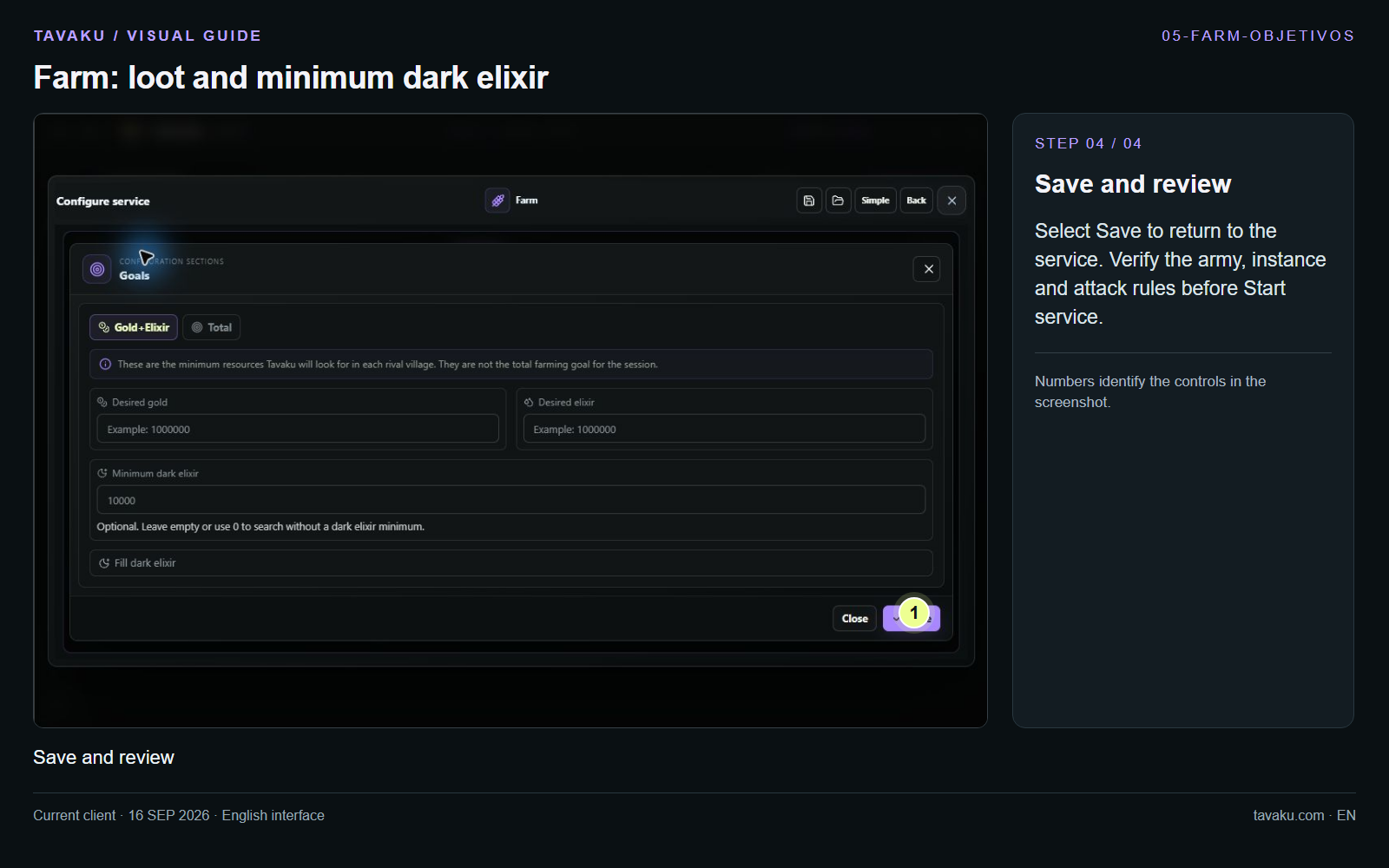
Select Save to return to the service. Verify the army, instance and attack rules before Start service.
 Enlarge image ↗
About this guide
Configuration walkthrough of the current client, including local changes. No service was started during capture.